
Position
From the stand to the final approach.Runway, circuit and approach presets put the next exercise within reach.
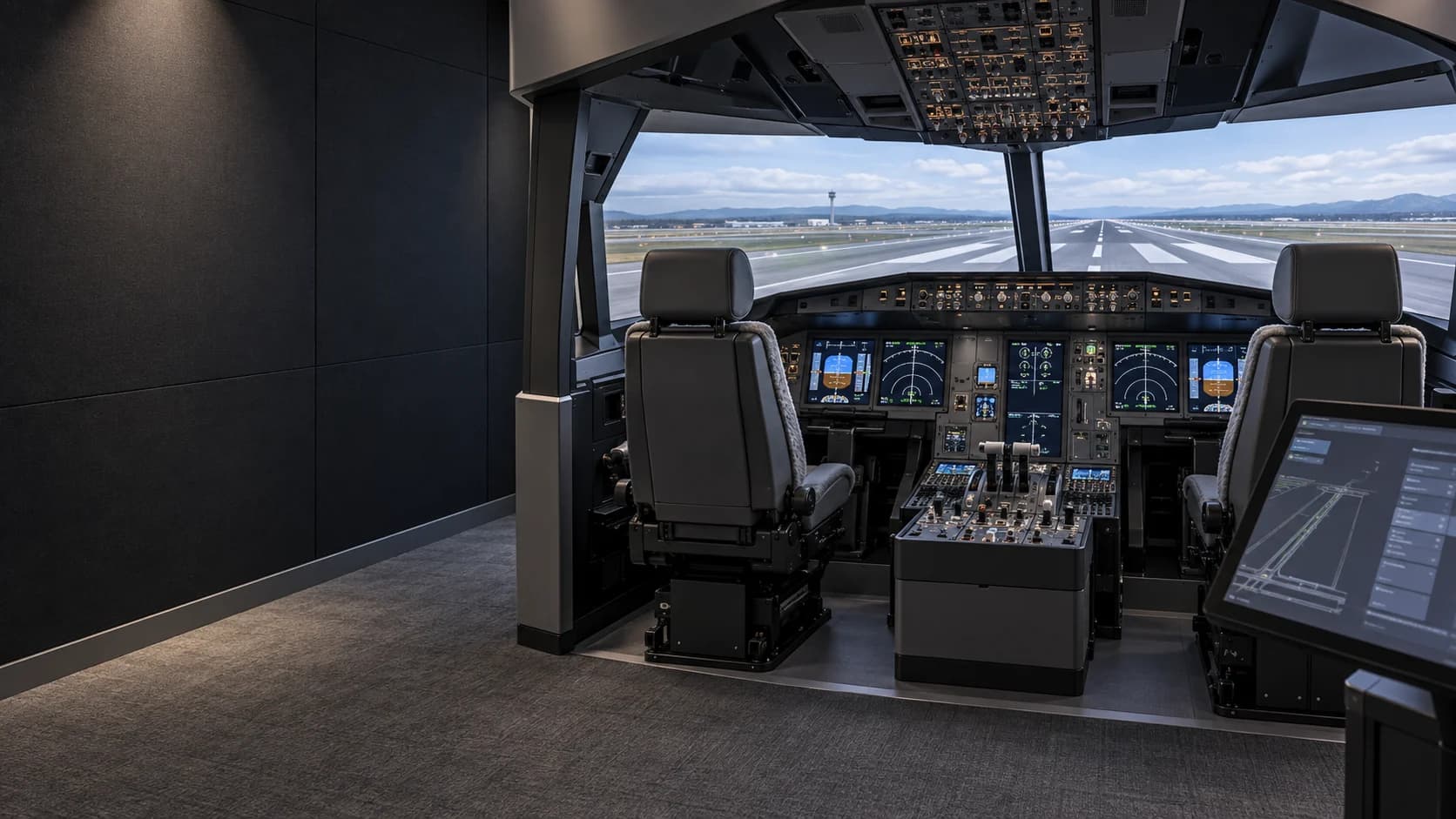
BY EVOLVE ORBIT
Every session.
Precisely in your hands.
The dedicated instructor station for structured flight simulation. Set the exercise. Shape the challenge. Stay with the pilot.
Give the instructor a workspace of their own. Large controls, clear aircraft positioning and a structured sequence from preparation to review.
Designed for a dedicated touchscreen or a second monitor.
Check compatibilityKeep the next instruction close. Prepare changes while the flight continues, with critical actions clearly separated from configuration.
Runway, circuit and approach presets put the next exercise within reach.
Prepare time, loading and supported environmental controls for the exercise.
Select an available failure, its target and trigger. Review it before execution.
Aircraft state, observations and session timing in one instructor view.
Build repeatable sessions around clear training objectives. Keep the setup, execution and observations together.
Discuss your simulator setupSelect the aircraft, position and starting conditions.
Choose available events, targets and trigger points.
Review and apply the changes. Follow the aircraft in real time.
Use the event timeline and instructor notes to discuss the exercise.
Core simulator control runs locally. Optional aircraft, navigation, weather and hardware integrations extend the experience where their interfaces support it.
Windows connects locally to Microsoft Flight Simulator, X-Plane, and Prepar3D v6. Apple Silicon Macs connect locally to X-Plane 11 and 12.
Versions and supported controlsKeep aircraft-specific controls and your connected equipment together in the station.
Explore integrationsX-Plane 11 and 12 are available on Windows and Apple Silicon Macs. MSFS 2020 and 2024 and Prepar3D v6 are available on Windows. FlightSim Control shows only controls supported by the active simulator and aircraft.
View the support matrixDownload the app, connect your subscription, and manage your activated PC from your account. Moving to a new simulator computer should be straightforward.